
Explore the interface#
Get a brief introduction to the user interface of the SimAI Pro application.
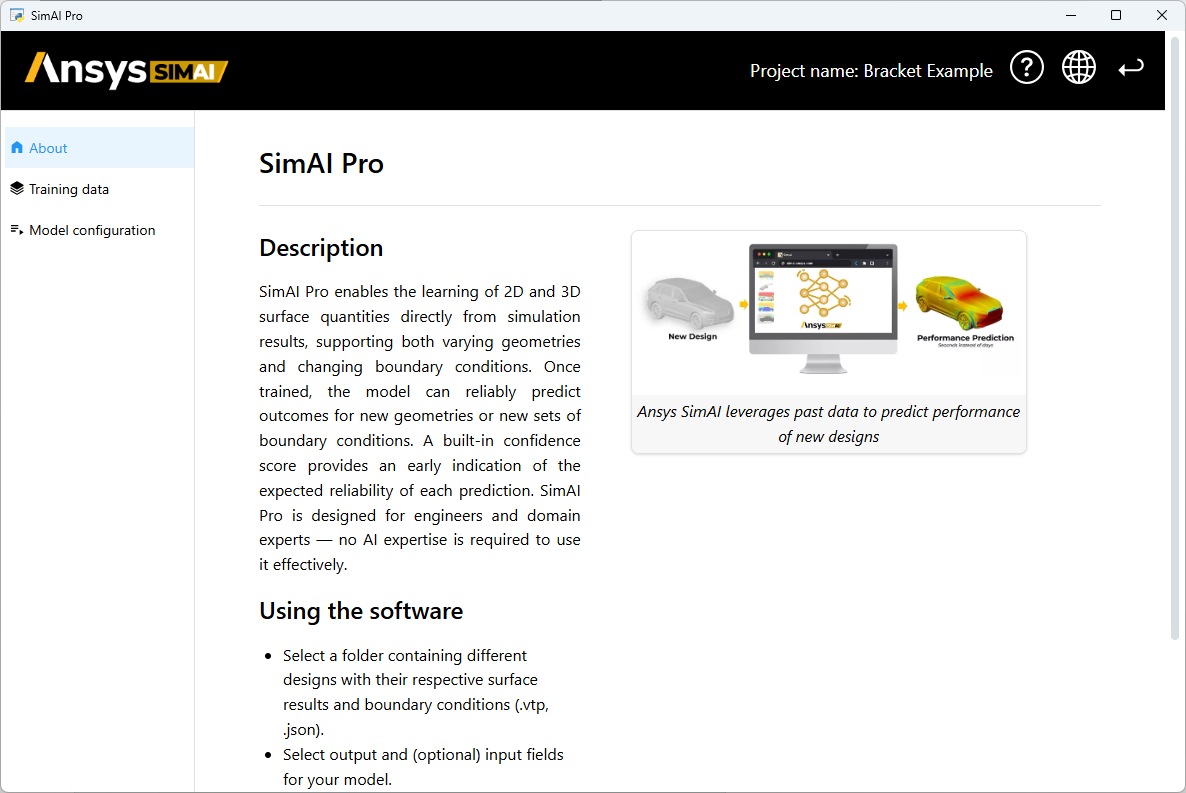
When you create a new project or open an existing one, the project opens to its Introduction page:
Solution header#
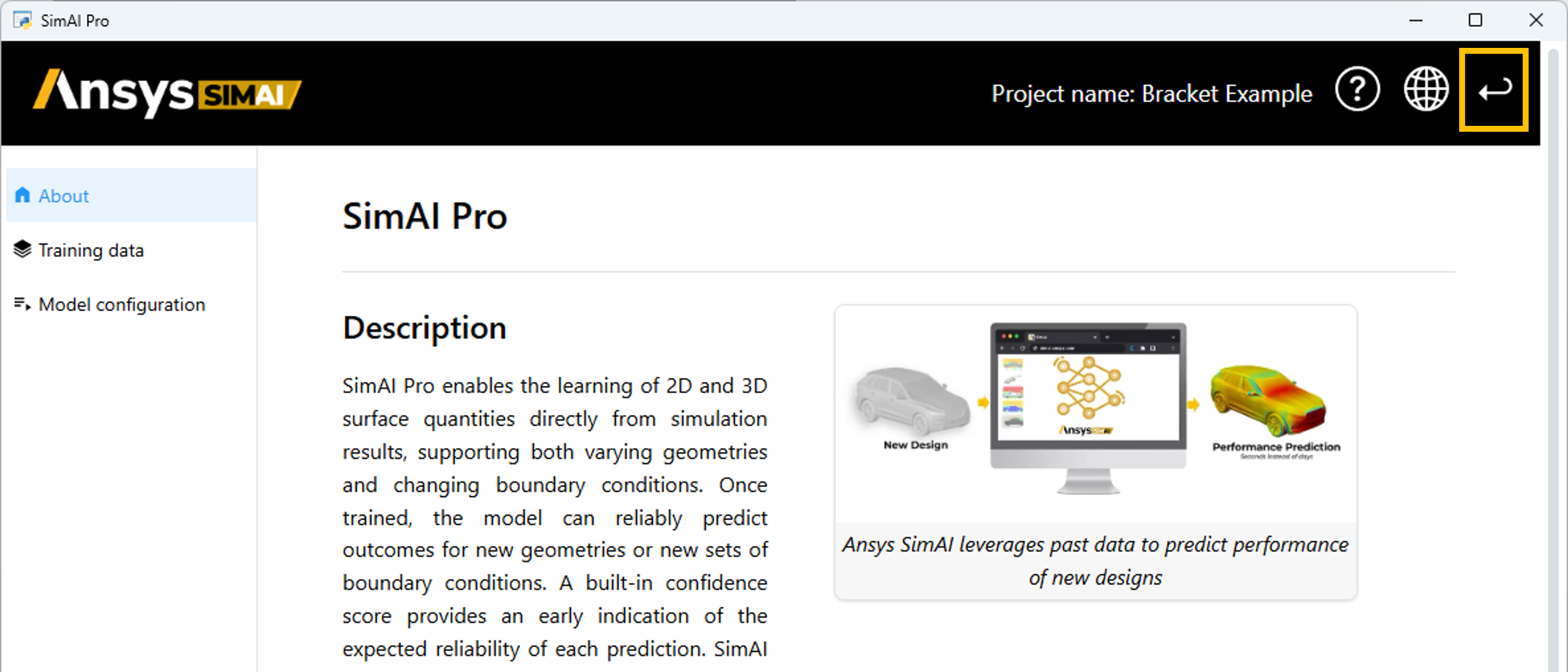
The application header shows the project name and includes controls that are available on every page of the application.
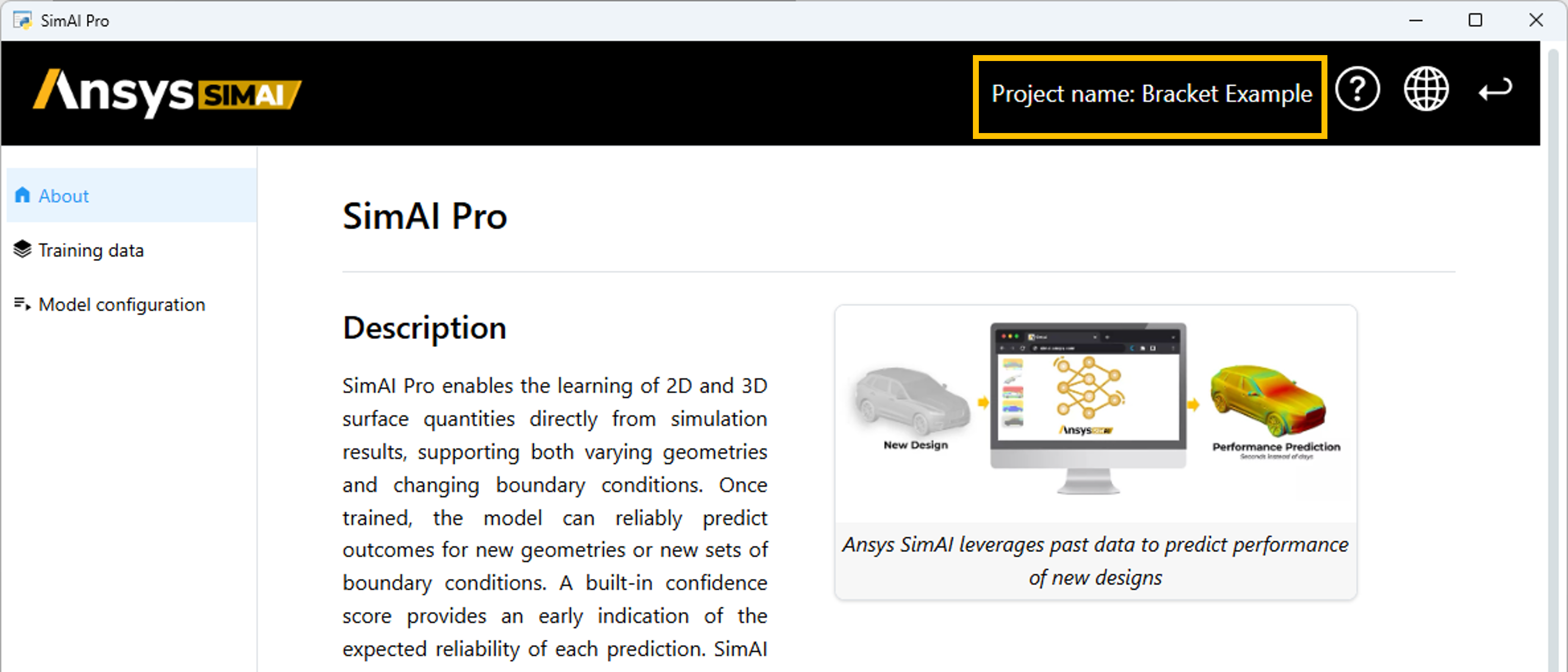
Open the user documentation for the application:
Return to the Projects dashboard:
Navigation panel#
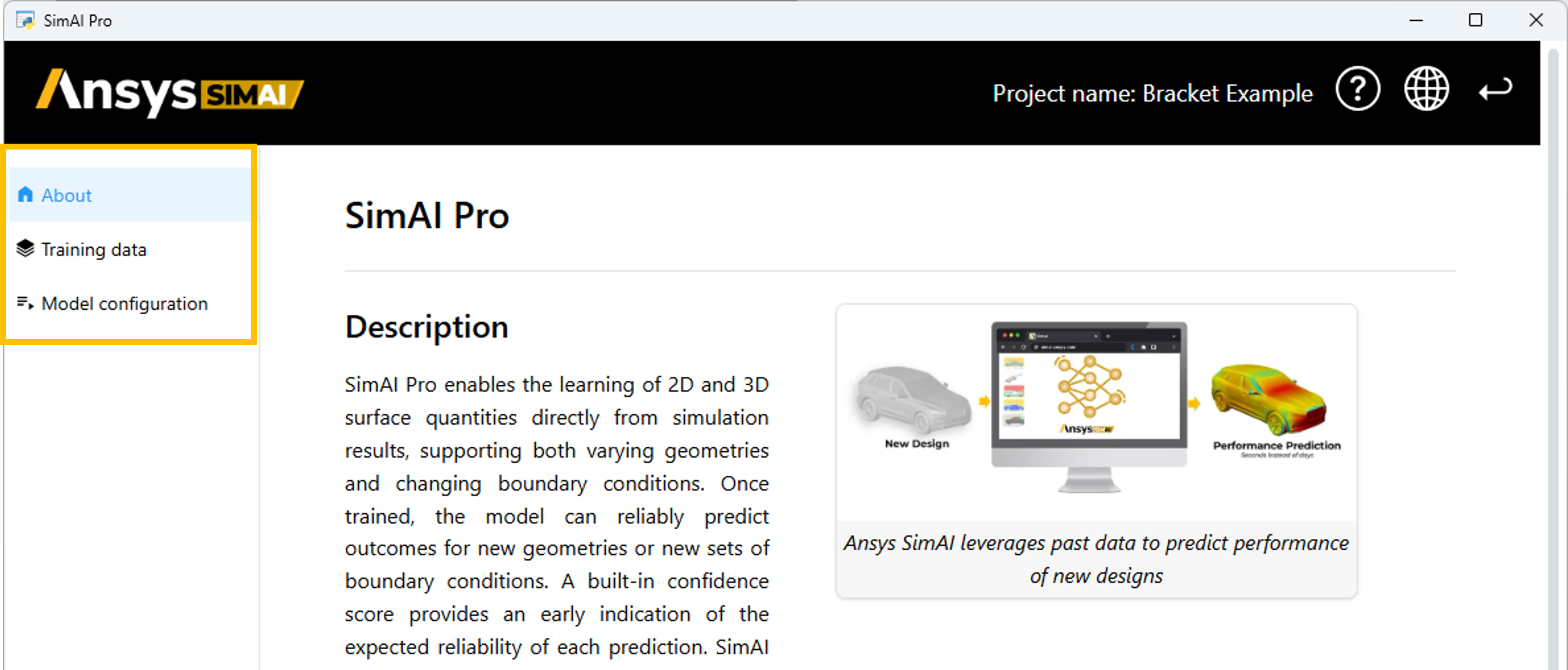
A navigation panel on the left shows each step in the workflow. Use these navigation options to move between the workflow steps. However, note that you can only begin a step when the requirements for previous steps have been satisfied.
Step dependencies#
You can navigate between application steps in any order, but keep in mind that the workflow is organized sequentially, with significant data dependencies between steps.
- Step sequence dependencies:
Each step must be completed in order. When you complete a given step, an alert indicates that you can proceed to the next one.
- Downstream dependencies:
If a field has downstream dependencies, changing its value invalidates data in any dependent fields in later steps.
Alerts#
Alerts in the user interface provide information about the status of a given step or operation.
- Information:

- Warning:

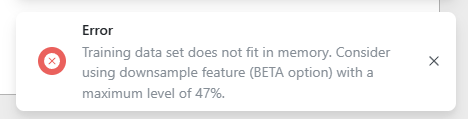
- Error: