

Data Import#
To start building your AI models, you need to prepare what you are going to train your model with, that is your training data.
Supported Input Files and Formats#
Training data corresponds to a folder containing your simulation data, that is:
one surface file [required file] that represents the geometry and the target surface fields (2D data).
If you have multiple surface files to represent one geometry, you must merge the parts before uploading.
and when relevant:
one boundary condition file [optional file] that specifies the operating conditions (0D data) of the case to the AI model.
This file allows you to define what is changing from one training data point to another (the inlet velocity or the fluid temperature for example). It enables you to provide extra information that is not tied to the design itself yet still affects the simulation results. JSON is an open standard file format commonly used that can be edited using any text editor.
Example of a boundary condition file:
{
    "Mach": 26.72,
    "AoA": 0,
    "Farfield_Pressure": 0.076098624,
    "Farfield_Temperature": 192,
    "Wall_Temp": 485
}
Note
Boundary conditions have no units. Use values that are consistent with the training data.
Each simulation folder can contain those two types of input files, and they must be unique per simulation folder.
For more information about converting data into a supported format, see Data Conversion
Data Processing#
The raw data you import to the application are analyzed and preprocessed to be turned into universal, AI-ready data aligning with a canonical internal format.
For more information on how to upload data, see Adding Data
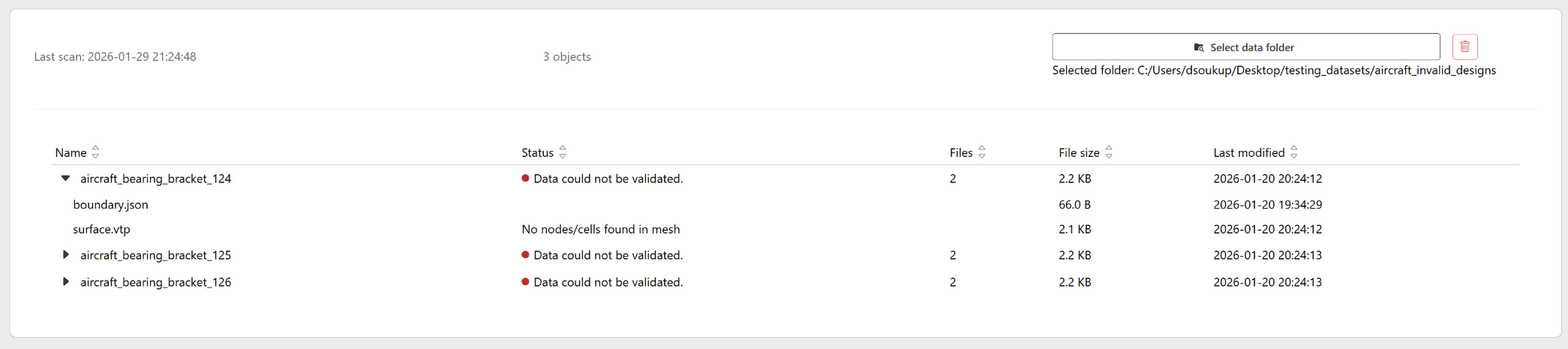
Any validation failure at the import stage raises an error mentioning that the training data cannot be used to build a model.
The four processing states (Importing, Waiting for data extraction, Extracting data, Ready for model) are displayed and available in the product interface.
Data Allocation#
To build an AI model, the data which you add to the Ansys SimAI Pro application have to be distributed into two subsets: a training subset and a test subset. A randomized distribution ensures that a varied type of data points is selected and that the model remains unbiased.