

Adding Data#
Make sure you have performed the Data Preparation
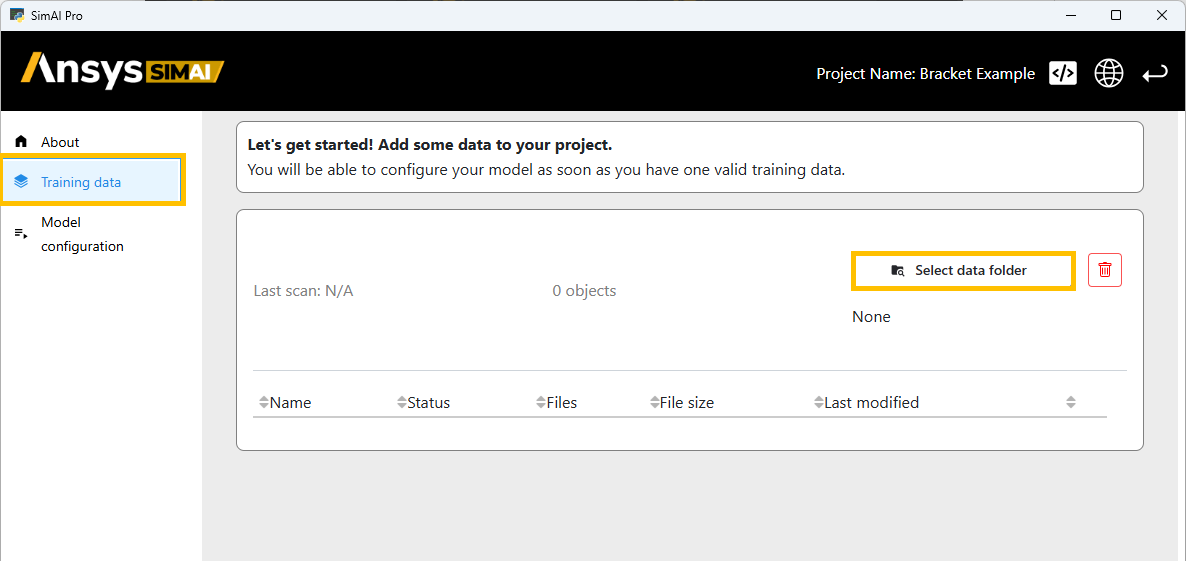
From the main view, select the tab Training data in the navigation panel.
Click Select data folder on the right side to add the training data.
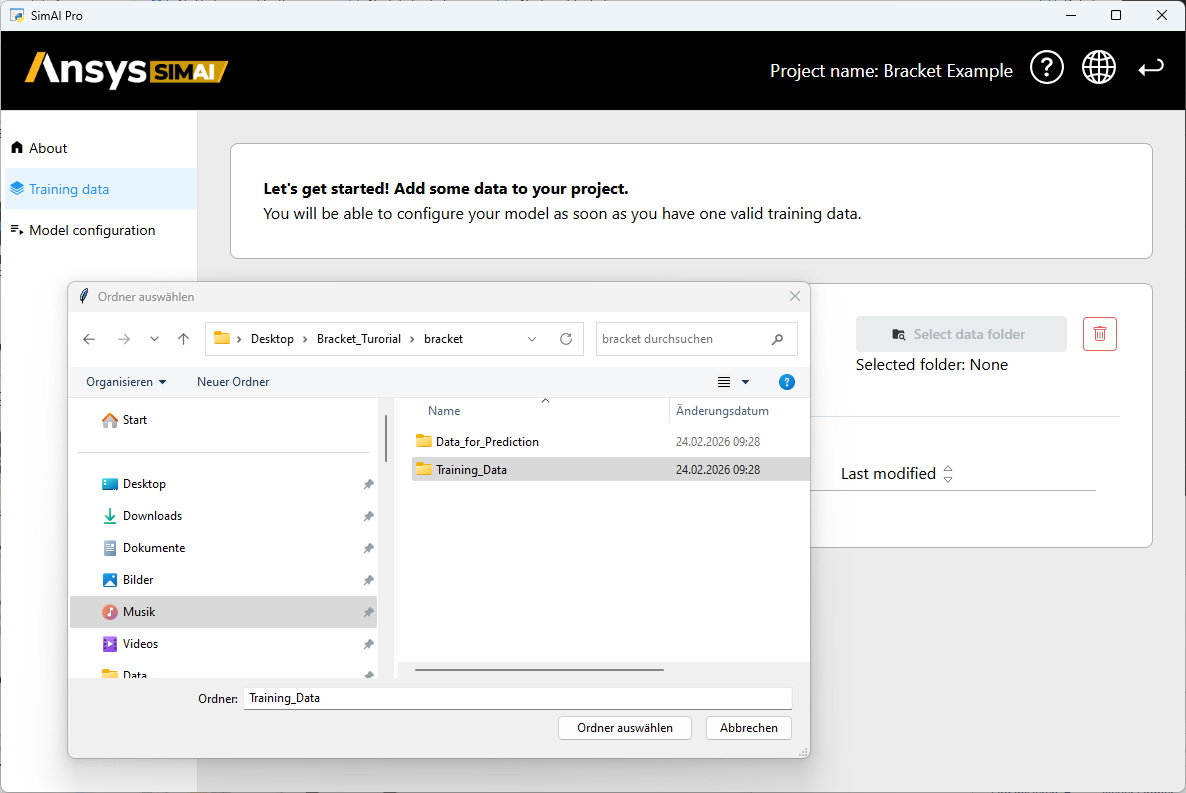
Browse simulation folder in the Data Selection Manager.
The first training data added to a project will automatically be picked as its reference sample and can be identified with the reference sample icon. For more information, see Reference Sample on Model Configuration Settings.
Once the simulation folder is selected, the training data are listed in the main view of the application and the status of the data processing is displayed for each of your data points.
Once the data are imported, follow this procedure: Configuring and Building a New Model.